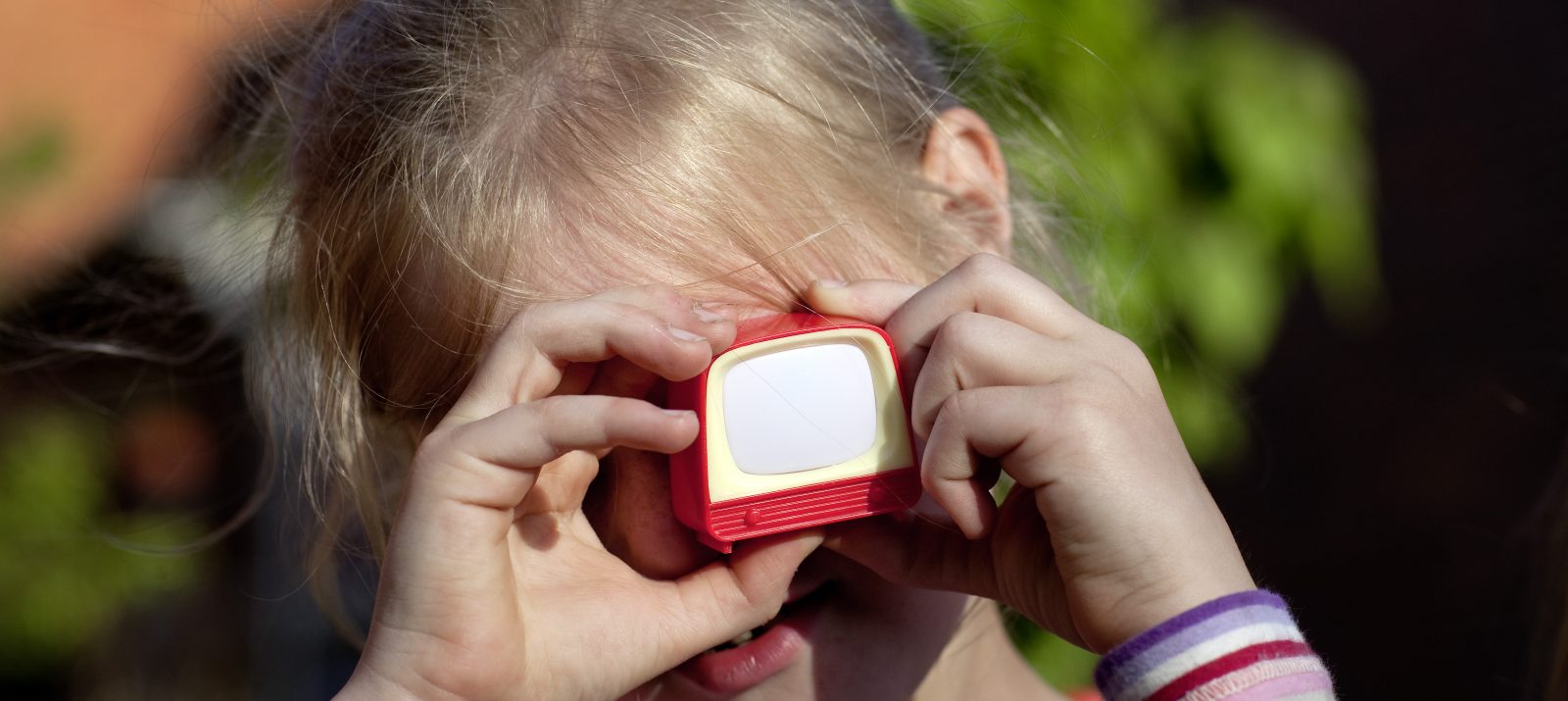
Children of daycare and elementary school age especially like animated films. And the great thing is, it doesn’t take much to make your own at home: smartphone or tablet, construction paper and pens, and the kids’ room becomes a film studio.
Animated films are based on the stop motion technique. You know this from flipbooks, for example. Many images that differ only in details are shown in quick succession. One perceives the small changes on each individual image as a whole as movement. The opening and closing credits of “Sandmännchen” and the stories of “Shaun the Sheep” are also produced with this technology.
Does your child like to paint or tinker, or does he or she prefer to play with Duplo and Lego? Such things can also be used wonderfully for the production of the first own film. Then you’re ready to go!
- Together with your son or daughter, think of a short story out. The story should be simple and quick to tell and have a manageable number of characters. These figures can then be painted on and cut out or even kneaded. Or you can use figures that are in the children’s room: Lego or Playmobil, small animals and others. Almost anything is possible!
- In addition to the characters and other objects with which the story is told, you now need the technique for filming. The best way to do this is to use a smartphone or tablet with a corresponding app. Stop Motion Studio (for Android and iOS; free in the basic version) or iStop Motion (only for iOS; free) are recommended. You can take photos one by one directly in the app. Automatically it becomes the movie that you can edit at the end. The smartphone or tablet should be stable. A tripod or tablet holder are particularly helpful. But you can also build a fixation from books and other objects.
- Then it’s on to preparing the film locations. If you’re making a layering film with painted or handmade figures, the filming is done from above – in two dimensions, so to speak. Then you need a base on which to move the figures. This can be colored or depict a specific background. If a film with Lego figures or similar is planned, filming should be from the side from above. Then you can think of a small movie set and assemble it from objects and colored paper. Lego houses and other playground equipment can also be used for this purpose. It is always important that the camera has a good distance to the scenery, so that all figures have space, you can move them well and everything is visible on the display. Also pay attention to the lighting conditions and make sure that they do not change.
- … and action! A little patience is required for the “Film shoot” is needed, because you need many photos to make only a short film. You should expect about eight frames for one second of film. On each image, a little something has to be changed. For example, when a Lego man waves, you have to move your arm up a little bit each time. Of course, it is possible that other figures or objects are moved in parallel. It is best if one person takes over the camera, i.e. takes the photos, and another moves the figures. A third person can make sure that everything is done correctly and announce when what is to be done – he or she is the director. It is always best to look directly at the display to see if the photos are successful.
- After the film shoot, it’s time for post-production. Titles, texts, music and much more can be added. Images can be deleted, moved or their display duration changed. If you want to give the characters a voice – i.e. if you don’t want them to remain mute – the dialogs can be recorded afterwards with distributed roles.
- Presentation and release: What is a film without a premiere? You can celebrate that with your kids, too – with soda and popcorn in a darkened room. Maybe grandma and grandpa and the neighborhood kids will be invited too! In addition, a publication on a children’s platform such as JUKI on Kindersache or trickino.de is conceivable.
And now… have fun trying it out!